Attribution · Published 2025-05-06 · 2 min read
SmartAF: making Web2App work on AppsFlyer
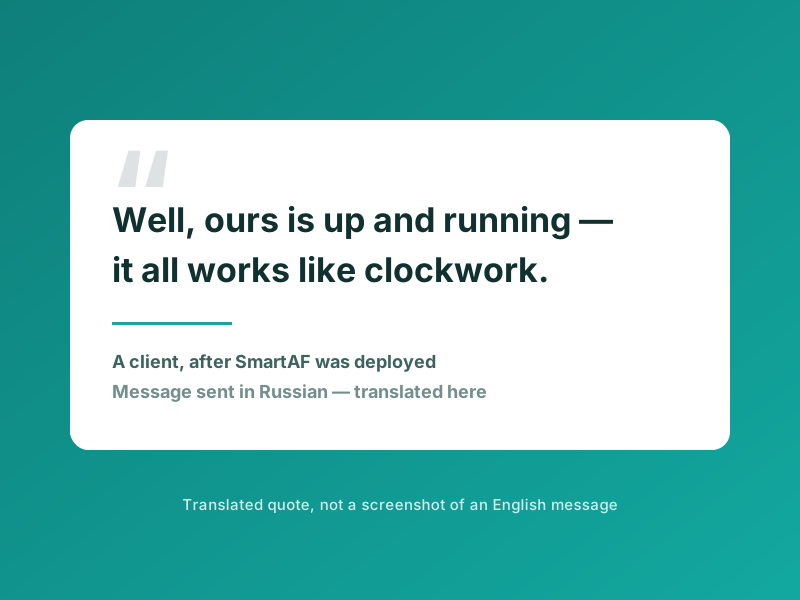
This came out of practice — conversations with clients and a long, detailed back and forth with AppsFlyer support.
SmartAF is a setup that gets the most out of AppsFlyer when you run iOS campaigns through Google Ads and Web2App. It removes the standard attribution problems and lets AppsFlyer track conversions accurately and deliver them into Google Ads reliably.
What is included
- Instructions for the app update.
- Ready-made tracking templates for AppsFlyer.
- Server-side scripts that pass conversions into Google Ads.
Who needs it
AppsFlyer users running iOS, Google Ads and Web2App campaigns on a direct link who run into these problems:
- Clicks in AppsFlyer do not match Google Ads.
- Conversions never arrive, or far too few of them do.
What changes after it is in place
- AppsFlyer attributes up to 97% of clicks, against roughly 20% before.
- Up to 67% of installs, against roughly 10% before.
- Up to 80% of conversions successfully reach Google Ads.
These are measurements from the accounts where it has been deployed, under those accounts' conditions. They are not a forecast for yours.
How fast conversions are delivered
- Close to real time, within the hour.
- Or once a day, depending on the method.
Do you need your own server?
No. You can use my server side, or deploy the whole thing on your own Google Cloud in about an hour.
How long does it take to connect?
One to two hours of developer time to implement the code. Full integration takes one to two days, if you can ship an app update quickly.
Does it need any paid AppsFlyer add-ons?
No. Everything runs on the base plan.